Building a Raspberry PI Cluster
Building a Raspberry PI Cluster
Resources Used
- 2x Raspberry Pi 5 8gb ram
- 1x Raspberry Pi 4 8gb ram
Step 1 Mounting the PIs
I 3d printed some mounts and mounted the raspberry pi’s next to my desk to kick start this project.
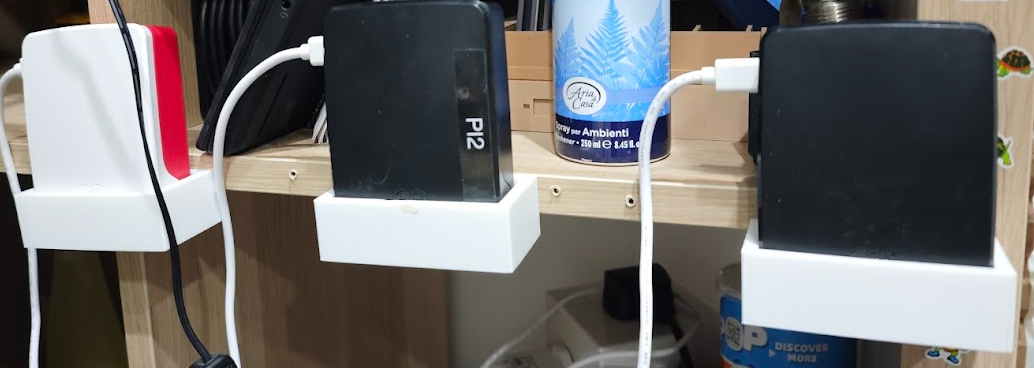
Step 2 Installing OS for Host PI
Setting up main node using Raspberry PI Imager v2.0.6.
- Select PI: Raspberry Pi 5
- Raspberry PI OS (other) -> Raspberry Pi OS Lite (64-bit)
- Select your storage device -> select micro SD card
- Choose hostname -> I chose
pi-cluster - Username -> I chose
pi - Password -> some cool password of your choice
- SSH authentication -> use public key authentication
I generated a key pair on the computer I am connecting my Pi with using the following command:
ssh-keygen -f "<home>/.ssh/rpi" -t ed25519
Then I copied and pasted the generated public key into Raspberry PI Imager:
cat <home>/.ssh/rpi.pub
I enabled Raspberry Pi Connect for convenience.
Write to disk, then insert the disk into the Pi.
Note: On Linux, you can replace <home> with ~.